

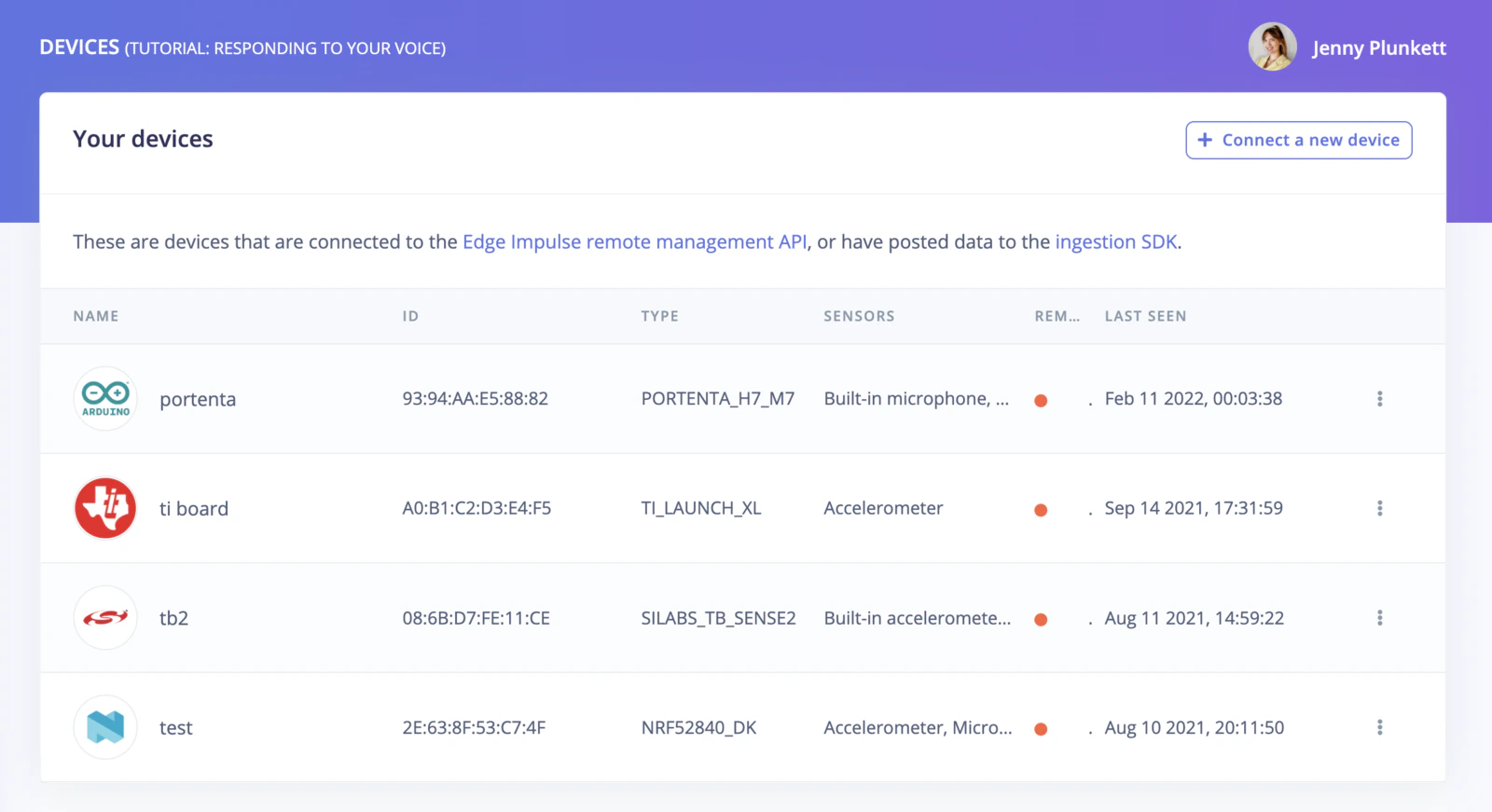
Devices tab displaying connected devices.
What a connected device gives you
A device connects to your project over the remote management API:- Collecting data. A connected device appears as a source in Data acquisition, where you choose one of its sensors, a sample length, and a frequency, and start sampling into your dataset.
- Running live classification. Live classification samples fresh data from the device and runs it through your impulse, so you can see how the model behaves on real signals rather than on your test set.
- Deploying firmware. For fully supported boards, Deployment can build a pre-built binary that runs your impulse standalone on the device.
Connecting a device
To connect a new device, click on the Connect a new device button on the top right of your screen.
Connect a new device button.
- Connecting a fully supported development board.
- Using your mobile phone.
- Using your computer (Linux/Mac).
- Using the serial port to connect devices that are not fully supported.